Best Photos for the AI Zombie Trend: What to Upload
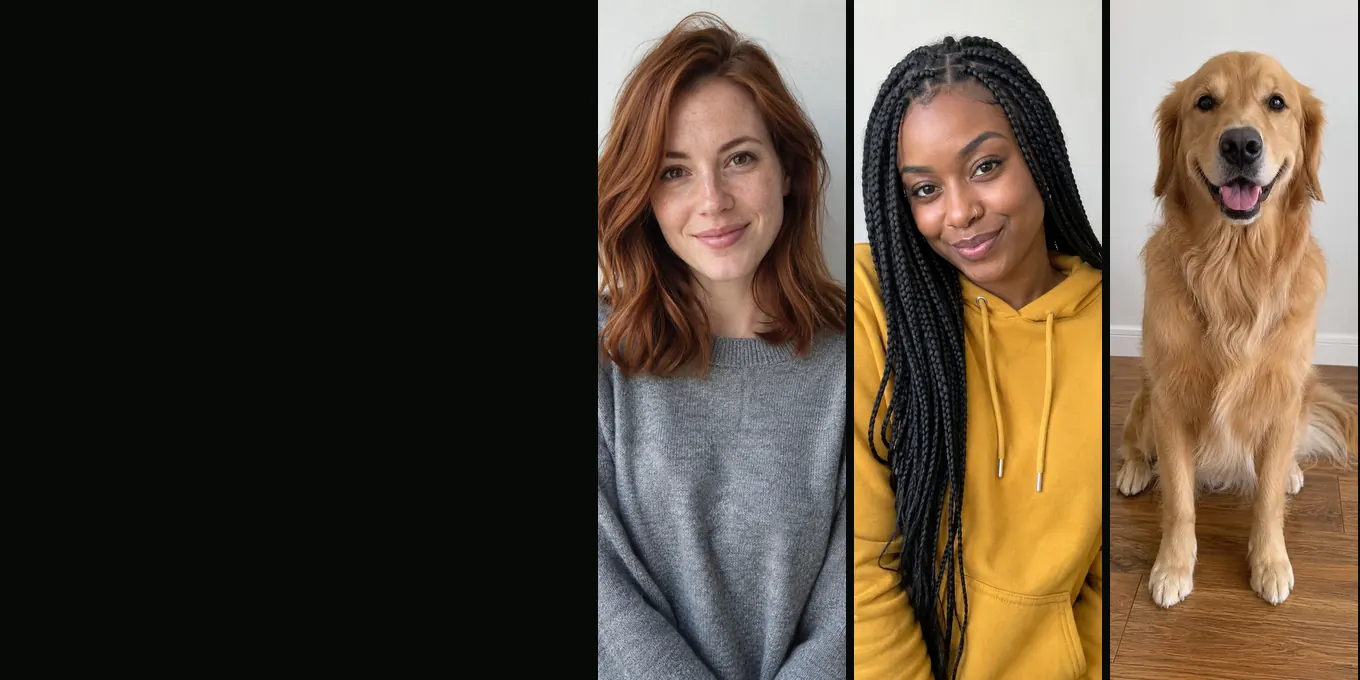
The best photo for the AI zombie trend is a recent, front-facing photo of one person (or one pet) in daylight, chest up, eyes open, with no sunglasses and no filter. You need two of them: the left photo is the one who holds the gun, the right photo is the one who turns. The background does not matter, because the prompt tells the model to ignore it.
Below is the checklist, the file rules the generator applies, and the six AI-made photos we used in our own zombie trend renders, with what came out of each.
Updated
PHOTOS
The best photos for the AI zombie trend
- One face per photo
- Front-facing, daylight
- File rules
One face, facing the camera, in even light
The zombie trend film has three close-ups (the survivor in tears, the turned face, and the last shot of the two of you) and the model builds all of them from your photo. A face it can see straight on, lit evenly, is the one it keeps best. The zombie look then goes on top: grey skin, clouded eyes, veins. Hair and face shape are what make the zombie still look like your person, so keep the whole head in the frame.
Checklist for zombie trend photos
- One person or one pet per photo. Crop a group photo into single faces.
- Front-facing, chest up or closer. Not a profile, not a full-length shot from across the room.
- Daylight or even indoor light. No harsh shadow across half the face, no flash on a pet.
- Eyes open and uncovered: no sunglasses, caps pulled low or hair over the eyes.
- No beauty filter, cartoon avatar or heavy edit.
- Recent, so the film looks like the person today.
- A pet photo at its eye level, with the whole head and some of the body.
- Photos of people who agreed, and your own pet or one whose owner agreed.
File rules the generator checks
| Rule | What happens |
|---|---|
| JPG, PNG, WebP or iPhone HEIC | Accepted |
| Up to 25 MB | Larger files are refused; send a smaller copy |
| At least 300 px on each side | Smaller photos are refused |
| Not extremely tall or wide | Very narrow crops are refused; crop closer to the person |
| Large photos | Redrawn in your browser as a JPG of up to 2048 px before upload, which also drops the location data |
Uploaded photos are deleted 7 days after the render finishes; the film stays in My videos until you delete it.
The photos behind our test renders
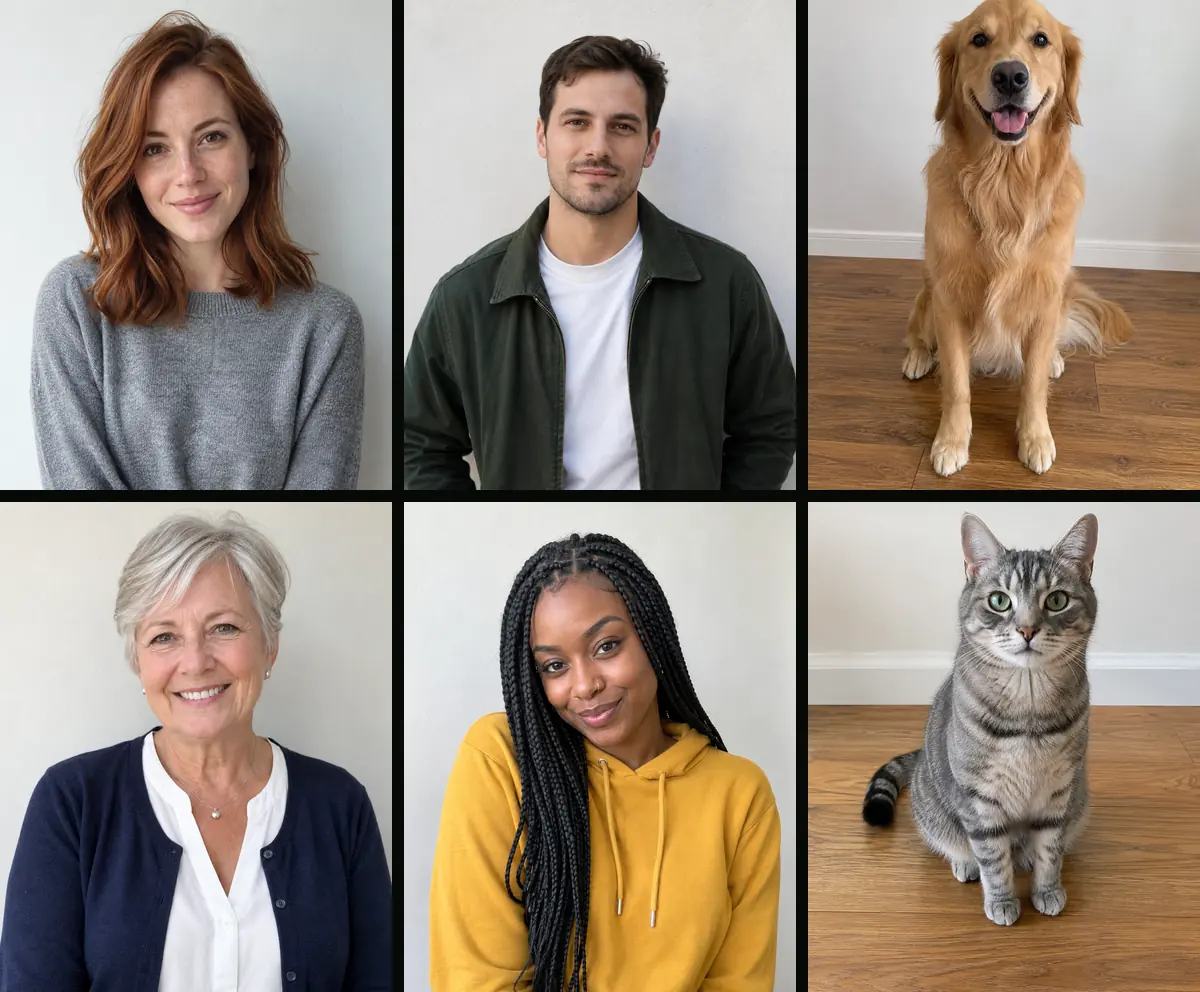
Every test film on this site was made from photos drawn by an image model, so no real person is in them: a woman with auburn hair, a man with short dark hair, a golden retriever, a woman in her sixties, a woman with long braids and a grey tabby cat. All six are plain, front-facing, daylight portraits on a light wall, the kind of photo this checklist asks for. The people kept their faces and hair in every render; the dog kept its colour and markings; the cat kept its stripes but not the zombie eyes.
If a render fails
A render that fails, or a film our content check holds back, gives its credits back automatically. A finished film that looks wrong is not refunded automatically, so the photo is worth a second look before you press the button. The zombie trend video doesn’t look like you guide goes through the fixes.
FAQ
What photo works best for the AI zombie trend?
A recent, front-facing photo of one person in daylight, chest up, eyes open, without sunglasses or a filter. One for the one who holds the gun, one for the one who turns.
Can I use a group photo for the zombie trend?
Not as it is. The generator takes two photos with one person or pet in each, so crop the group photo into two single faces.
What resolution does the photo need?
At least 300 pixels on each side, up to 25 MB. Bigger photos are fine: your browser shrinks them to 2048 pixels before upload.
Can I use an old printed photo?
If the face is clear and front-facing, the generator accepts a phone photo of a print. We have not tested scanned prints ourselves.
Read next
Zombie Trend Video Doesn't Look Like You? What to Fix
Faces that drift, the wrong person turning, a zombie that never turns: causes, fixes and what happens to the credits
How to Make an AI Zombie Video: Two Photos, One Film
Step by step: the two photos, Couple or Pet, the settings, and how to check the 15-second film before you post it
Zombie Pet Video: Turn Your Dog or Cat Into a Zombie
The zombie trend with your dog or cat as the one who turned: how it looks, the photos that work, and what we changed after our first dog test
Zombie Trend With Your Best Friend, Mom or Sister
The zombie trend for best friends, siblings and parents: what reads differently, the photos, and three of our own test renders
AI Zombie is an independent site with no ties to TikTok or to any film or TV studio. Clips by other creators belong to them.