AI Zombie Filter or AI Zombie Video? Which One You Need
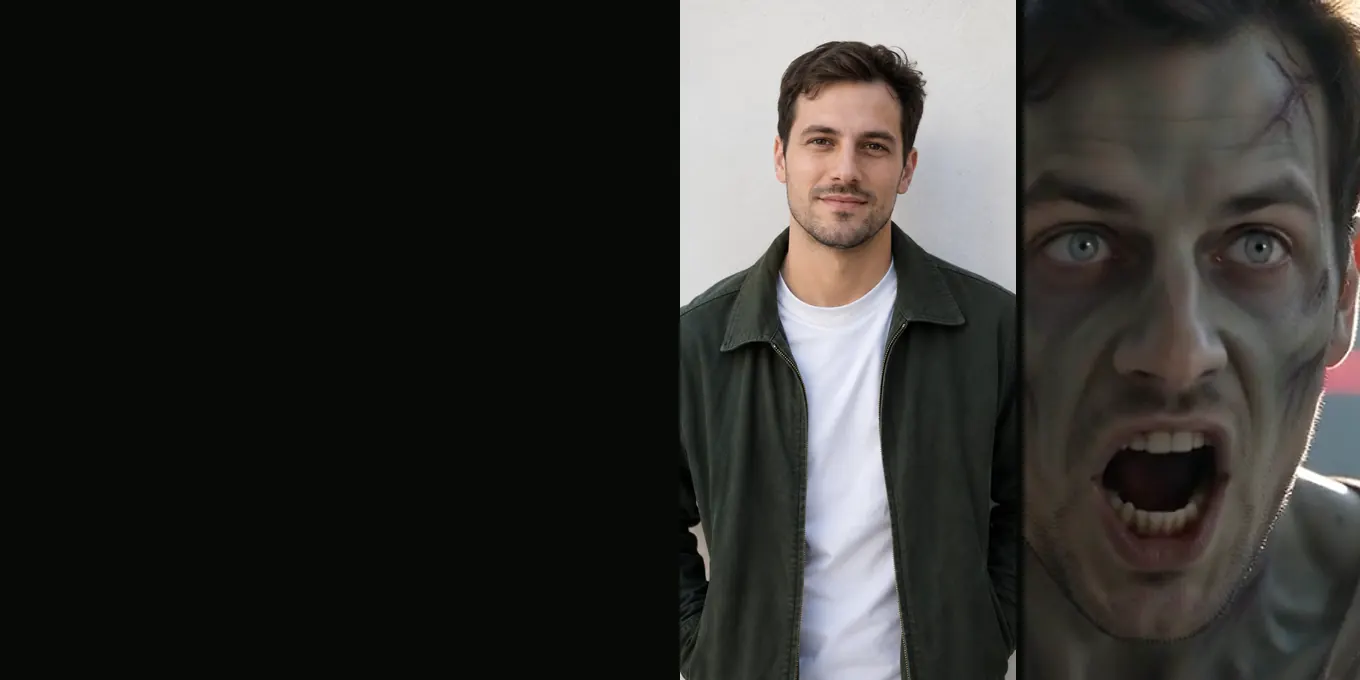
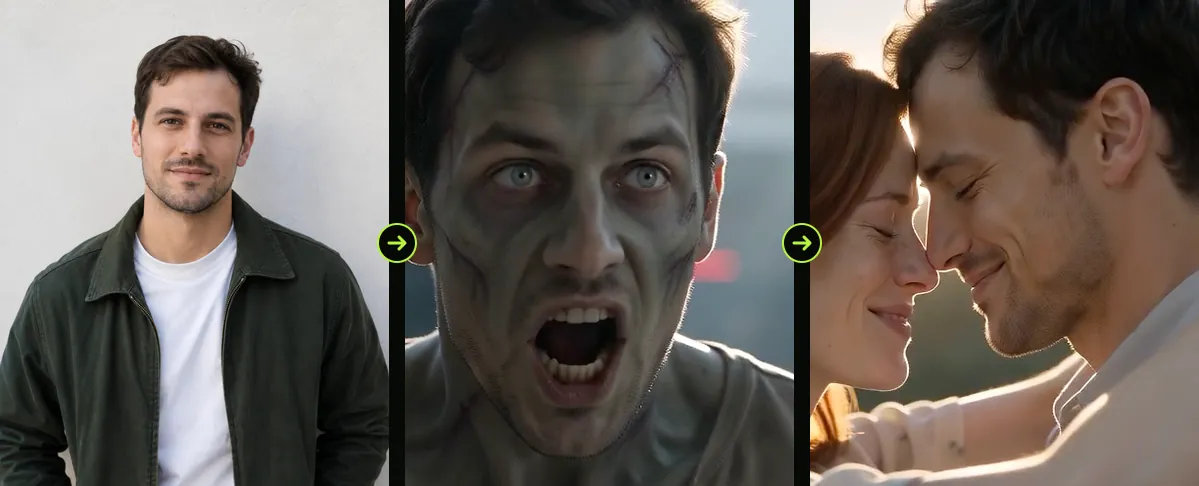
An AI zombie filter changes one photo: your face gets grey skin, clouded eyes and scars, as a picture or a short face effect. The AI zombie trend video is different: a 15-second film from two photos: a zombie comes through the door, the survivor drops the gun, and the leap ends in a hug in a happy memory. If you saw the hug, you want the video, not a filter.
We do not sell a still filter; our generator makes the zombie trend film. This guide puts the two side by side so you can tell which one you were looking for.
Updated
FILTER OR FILM
AI zombie filter or zombie trend video?
- One photo
- Two photos
- Which to pick
Zombie filter vs zombie trend video
| AI zombie filter | Zombie trend video (this site) | |
|---|---|---|
| What goes in | One photo or your live camera | Two photos: the survivor and the one who turned |
| What comes out | A zombie picture or a face effect | A 15-second film with sound |
| Story | None: one look | Standoff, dropped gun, leap, memory |
| Time | Seconds | About 2 to 3 minutes in our tests |
| Price here | Not offered | 12 credits at 720p, 6 at 480p |
Where people find a zombie filter
TikTok and Snapchat have face effects you can search for with “zombie”. Photo apps and sites such as Fotor and Kapwing offer AI zombie filters that turn an uploaded photo into a zombie picture, and ChatGPT suggests them when people ask for a filter. These are quick and often free to try; they are not the zombie trend video.
What the zombie look is in our film
Our film does include a zombie look, in the close-up at the 4-second mark: ashen grey-green skin, clouded pale eyes, dark veins at the temples, torn dusty clothes, the same face and hair as the photo, and no blood. For a dog or cat: milky eyes, matted fur, a torn ear, bared teeth. Then the memory shows the same person or pet healthy again. The frames below are one face both ways.
Which one to pick
- A profile picture or a quick scare in a story: a zombie filter.
- The TikTok zombie trend, with a gun, a leap and a hug: the zombie trend video.
- Your dog or cat as a zombie that ends up in your arms: the video, Pet mode.
FAQ
Is the zombie trend a filter?
No. The trend is a short AI film made from two photos, with a story: a zombie comes in, the survivor drops the gun instead of shooting, and the leap ends in a memory. A filter only changes one photo.
Do you have an AI zombie filter for one photo?
No. We only make the zombie trend film, which needs two photos.
Can I get just the zombie picture from the film?
You can take a screenshot of the zombie close-up from the downloaded MP4. The film is 720p by default, so the still is that size.
Sources
Read next
How to Make an AI Zombie Video: Two Photos, One Film
Step by step: the two photos, Couple or Pet, the settings, and how to check the 15-second film before you post it
Zombie AI Video Generators Compared (October 2026)
Models, platforms and one-step zombie trend sites: what each takes, with lengths and prices checked on 9 October 2026
Zombie Pet Video: Turn Your Dog or Cat Into a Zombie
The zombie trend with your dog or cat as the one who turned: how it looks, the photos that work, and what we changed after our first dog test
Best Photos for the AI Zombie Trend: What to Upload
One face, facing the camera, in daylight: the checklist, the file rules and the photos behind our test renders
AI Zombie is an independent site with no ties to TikTok or to any film or TV studio. Clips by other creators belong to them.